Bots Overview
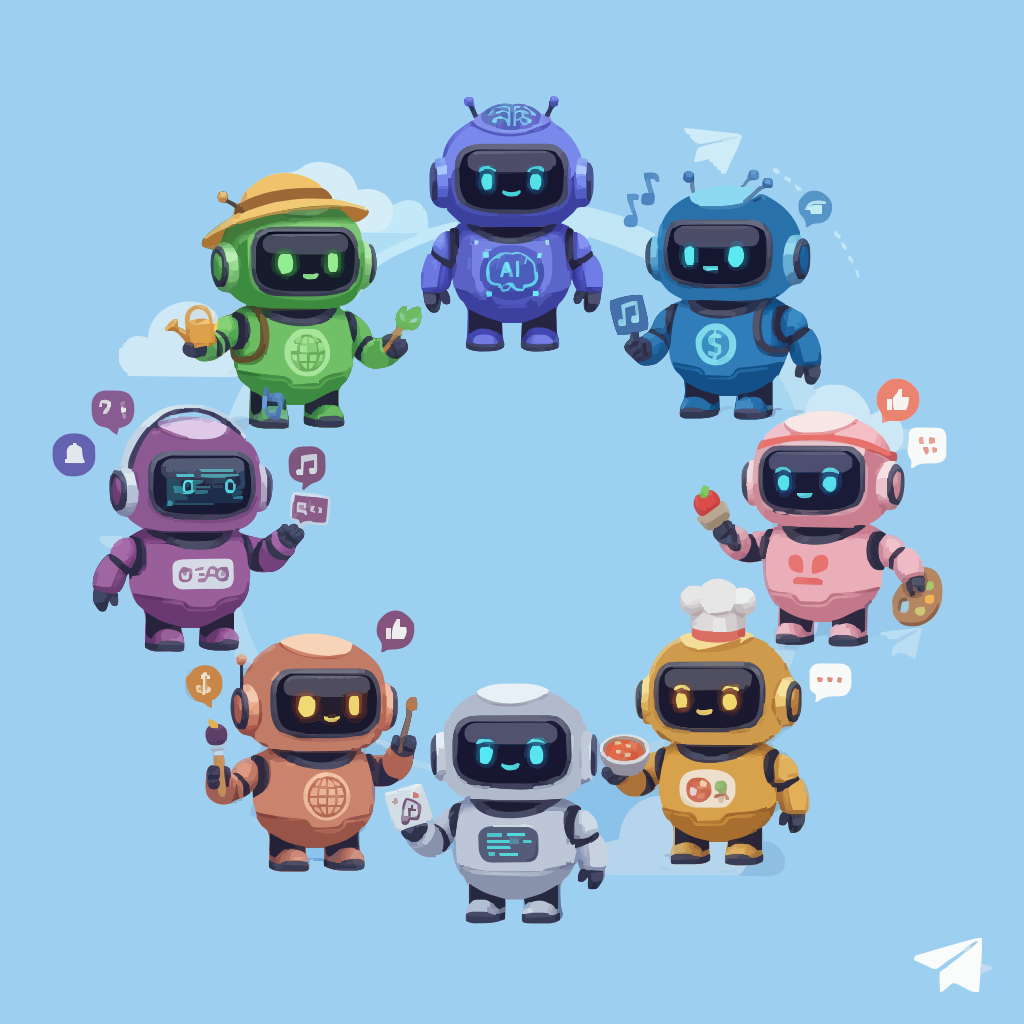
MMPS includes 6 specialized Telegram bots, each designed for specific purposes. All bots run independently with their own databases, services, and scheduled tasks.
The 6 Bots
1. Chatbot - AI-Powered Assistant
The main conversational bot powered by OpenAI and Anthropic.
- Features: 20+ AI tools, reminders, weather, exercise tracking, GitHub integration
- LLM: ChatGPT or Claude
- Status: Production-ready and actively used
- Learn more →
2. Coach - Sports Analytics & Predictions
Real-time sports data with match analysis and predictions.
- Features: Match summaries, competition tables, betting value analysis
- Data Source: Scores365 API
- Status: Production-ready
- Learn more →
3. Langly - Language Learning Assistant
Interactive language learning companion.
- Features: Daily challenges, vocabulary building, language practice
- Status: Production-ready
- Learn more →
4. Magister - Course Management
Learning management system for course tracking.
- Features: Lesson reminders, progress tracking, course management
- Status: Production-ready
- Learn more →
5. Wolt - Restaurant Notifications
Monitors and notifies about restaurant availability.
- Features: Availability monitoring, push notifications
- Status: Production-ready
- Learn more →
6. Worldly - Geography Education
Geography teaching and trivia challenges.
- Features: Trivia challenges, geography education, location-based content
- Status: Production-ready
- Learn more →
Running Bots
Development Mode (One Bot)
LOCAL_ACTIVE_BOT_ID=chatbot npm run start:devReplace chatbot with any of: coach, langly, magister, wolt, worldly
Production Mode (All Bots)
IS_PROD=true npm startAll bots run in parallel with separate databases.
Bot Architecture
Each bot follows the same architecture:
features/{bot}/
├── {bot}.init.ts              # Initialization
├── {bot}.controller.ts        # Telegram handlers
├── {bot}.service.ts           # Business logic
├── {bot}-scheduler.service.ts # Scheduled tasks
├── {bot}.config.ts            # Configuration
└── types.ts                   # Type definitions
Configuration
Each bot has a BOT_CONFIG in its config file:
export const BOT_CONFIG = {
  id: 'CHATBOT',
  name: 'Chatbot',
  token: 'CHATBOT_TELEGRAM_BOT_TOKEN',
  commands: { START, HELP, /* ... */ },
};
Database Isolation
Each bot has its own MongoDB database:
chatbot-db- Chatbot datacoach-db- Coach datalangly-db- Langly datamagister-db- Magister datawolt-db- Wolt dataworldly-db- Worldly data
Shared Features
AI Tools (Chatbot & Coach)
- Weather information
- Reminders and notifications
- Calendar integration
- GitHub API access
- And 20+ more tools
External Services
All bots can access shared services:
- MongoDB for persistence
- Google Cloud services
- External APIs
- Telegram API (via grammY)
Monitoring
In production, all bots log to Google Sheets for monitoring:
SHEETS_CLIENT_EMAIL=...
SHEETS_PRIVATE_KEY=...
SHEETS_LOGS_SPREADSHEET_ID=...
Environment Variables
Each bot requires its own Telegram bot token:
# Required for all bots
MONGO_URI=mongodb://...

# Bot tokens (add only for bots you want to run)
CHATBOT_TELEGRAM_BOT_TOKEN=...
COACH_TELEGRAM_BOT_TOKEN=...
LANGLY_TELEGRAM_BOT_TOKEN=...
MAGISTER_TELEGRAM_BOT_TOKEN=...
WOLT_TELEGRAM_BOT_TOKEN=...
WORLDLY_TELEGRAM_BOT_TOKEN=...
Next Steps
Select a bot to explore:
- Chatbot - AI assistant with tools
- Coach - Sports analytics
- Langly - Language learning
- Magister - Course management
- Wolt - Restaurant finder
- Worldly - Geography education
Or explore:
- Architecture - System design
- Development - Contributing
- Deployment - Production setup